Hey there, let's chat about keeping your online life safe and sound, especially if you're in a place where technology is still catching up. I will try my best to keep this blog simple and understandable for you to understand.
Cyber security might sound fancy, but it's all about protecting yourself in the digital world. Let's dive into some common issues and easy solutions:
1. Phishing: The Pretend Game
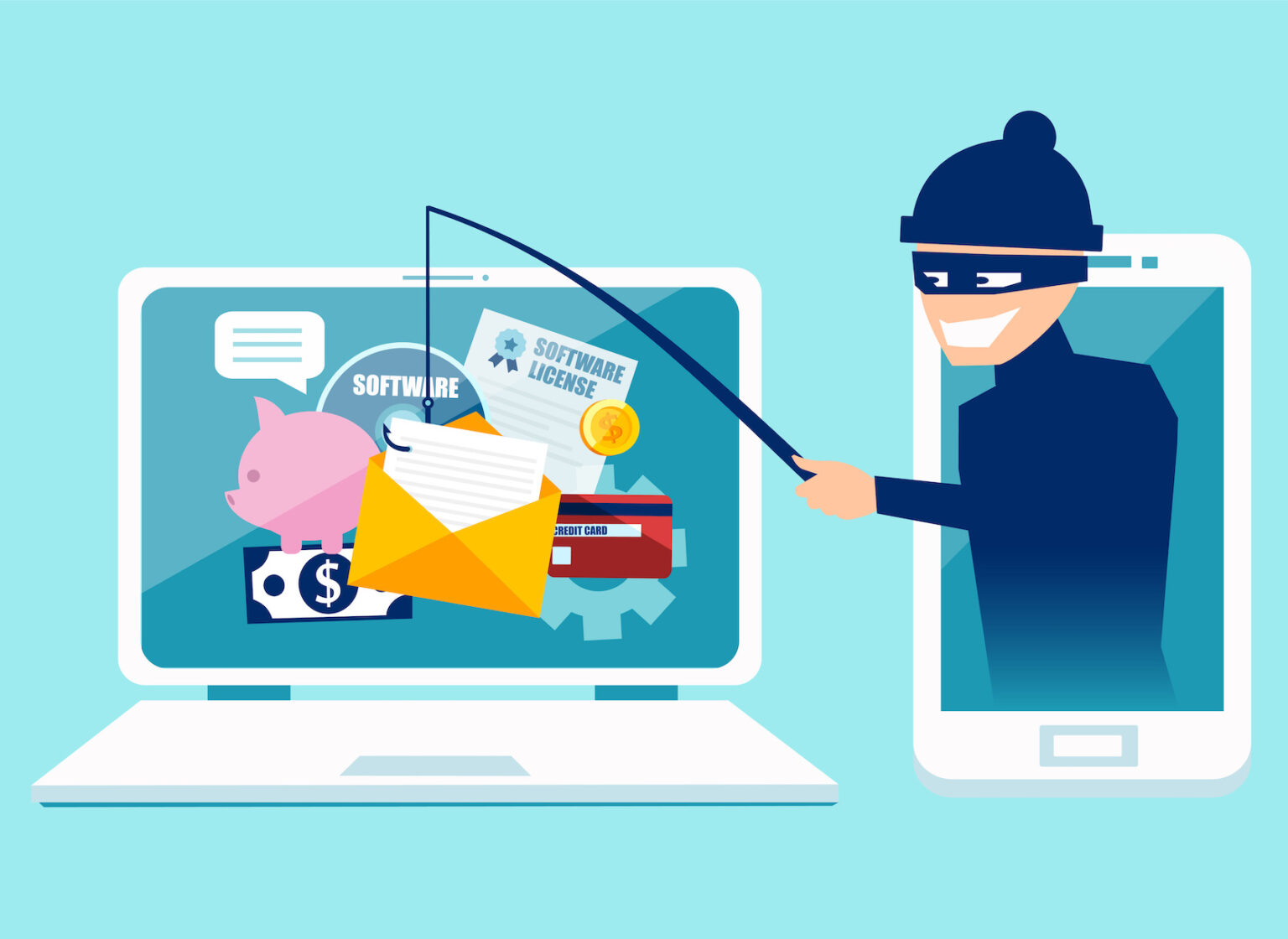
Picture this: You receive an email that claims to be from your bank. It says you've won a prize or need to update your account details urgently. You click on a link and enter your sensitive information, thinking it's safe. But, alas! It's a phishing scam, and your data is in the hands of cybercriminals. Here are '6 sure signs someone is phishing you—besides email'
Solution: Always be cautious when receiving unsolicited emails asking for personal info. Check the sender's email address closely. Hover over links to see where they lead; if it looks suspicious, don't click. When in doubt, contact your bank directly using their official website or phone number.
Learn more about Phishing here.
2. Weak Passwords: Your Online Lock
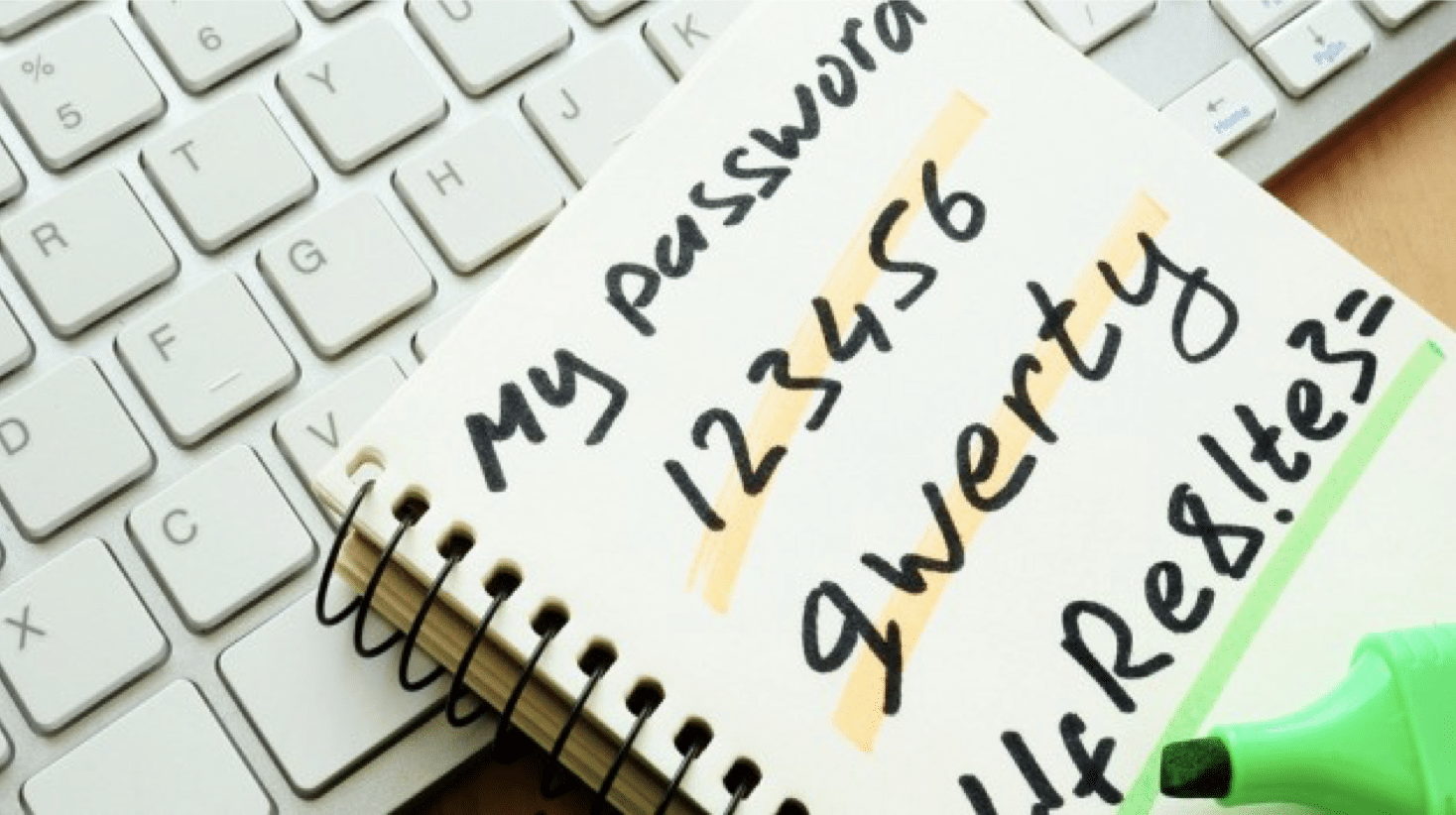
Weak passwords are like leaving your front door unlocked. Cybercriminals can easily guess them, granting them access to your accounts. For instance, using "password123" , "password" , "123456" or using your names or pet's names or names of loved ones who are close to you is like practically handing over your keys.
Solution: Create strong, unique passwords for each of your accounts. Think of them as secret handshakes only you know. Use a mix of letters (both upper and lower case), numbers, and symbols. Password managers can help keep track of them all securely.
3. Software Updates: Digital Armor
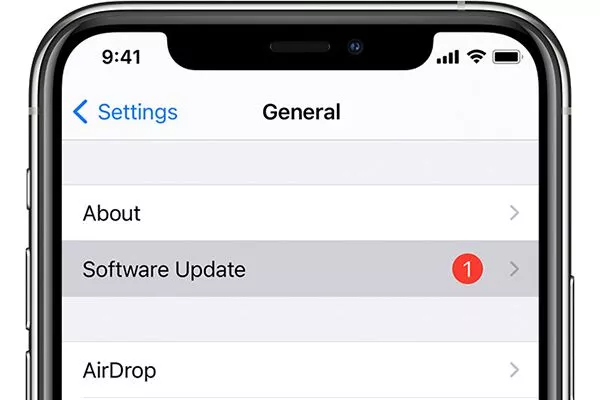
Imagine your device as a superhero in need of upgrades.Most of us delay or even do not actually update our softwares with the reasoning that our mobile data is being used without cause but regular software updates really help. Software updates are like giving it new powers, fixing security holes. Ignoring updates is like leaving your superhero vulnerable to attacks.
Solution: Always keep your phone, computer, and apps up to date. These updates provide essential patches to protect against online threats.
4. Sharing Personal Info: Guard Your Secrets
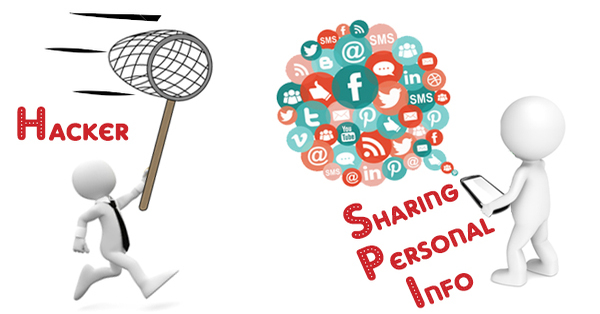
Imagine sharing your home address with a stranger – you wouldn't do that, right? Similarly, be cautious about sharing personal info online, like your address, phone number, or even your daily routines. You do not have any friend online, we all are strangers to each other online so be careful.
I know we love sharing our information online and social medias so that people can see how good we look or something new we bought or some good place we went to, but please take your time to pass through this article by Kaspersky about 'Stranger danger: the connection between sharing online and losing the data we love' and see how dangerous that can be. I have put the article into summary incase you do not get the time to read it all.
This article discusses the relationship between sharing personal data online and the risk of data loss and device issues. It reveals that a significant majority of people share information online, with only 7% refraining from digital sharing. However, those who share their data are more likely to experience data loss and device problems.
Key Findings:
- People who share data digitally are more prone to data loss; nearly half of data-sharers have lost data on smartphones (47%) and computers (52%).
- Device issues, such as intrusive ads, redirects, and malware, are more common among data-sharers (71%) compared to non-sharers (37%).
- Sharing data with strangers poses higher risks, as 59% of those who share with strangers have lost data on their smartphones.
- Users often share sensitive photos and videos, with young people being more generous in sharing personal data.
- Risky sharing activities, like lending devices to others or sharing passwords, make users twice as likely to lose data and experience device problems.
- Despite awareness of security risks, users continue to engage in risky sharing behaviors.
The article emphasizes the importance of responsible sharing, encouraging users to consider whom they share their data with to mitigate the risks of data loss and device issues. It also highlights the need for safety measures to protect data and privacy, especially when sharing with strangers.
Solution: Only share personal information with people you know and trust. Think twice before posting sensitive data on social media or websites.
5. Public Wi-Fi: Surf Safely
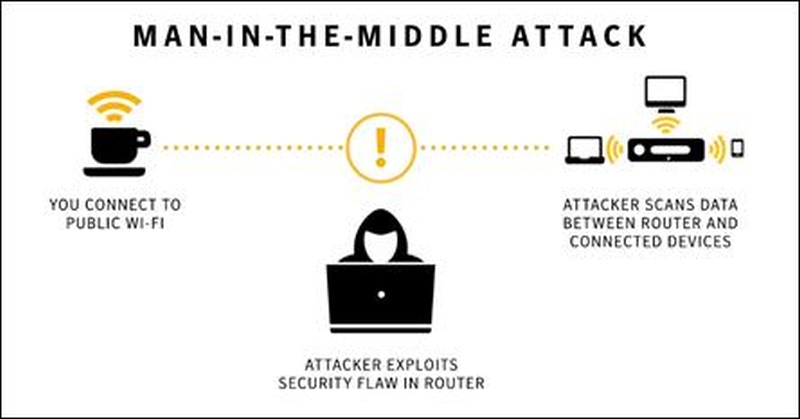
Using public Wi-Fi is like talking in a crowded square; anyone can eavesdrop on your conversation. Cybercriminals often exploit unsecured networks. It is a complex topic to put forward but in simple terms is that, you connect to a public network, an attacker exploits the security flaw in the Network and then gets access to your device and can do any malicious attack to you. For knowing how all this is done, learn more on through this article by Gadgets360 on 'The Dangers of Free, Public Wi-Fi - and How to Keep Yourself Safe'
Solution: Below are ways with which you can stay safe on public Wi-Fi.
- Avoid logging into sensitive websites on public Wi-Fi, such as social networks, online banking, or sites with credit card information.
- Disable file sharing on your laptop when connected to public Wi-Fi, as it prevents hackers from accessing your data. Additionally, turn on the firewall.
- Use the "Forget network" option to avoid automatic connections to public Wi-Fi networks in the area.
- Keep your software and devices updated to the latest versions to patch vulnerabilities that hackers may exploit.
- Be cautious with third-party apps, as some may inadvertently leak sensitive data.
- Consider investing in a local SIM card for mobile data when traveling instead of relying solely on public Wi-Fi.
- Encrypt your data and look for a padlock symbol in your browser to ensure an encrypted connection.
- Use a VPN (Virtual Private Network) to encrypt your data further and protect your privacy.
- Enable two-factor authentication for added security.
- Understand that while precautions help, there are no absolute guarantees, so staying vigilant and limiting sensitive activities on public networks is essential for online safety.
6. Online Shopping: Safe Checkout
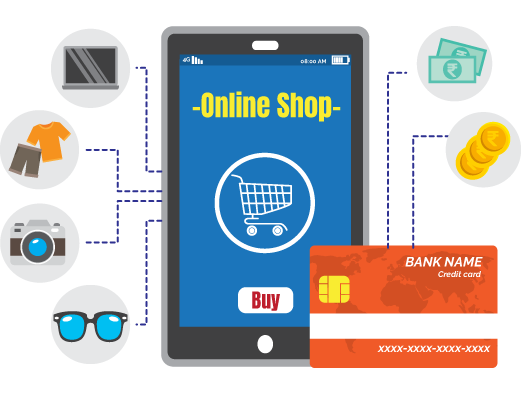
Imagine shopping in a crowded marketplace, and someone offers a fantastic deal. You share your credit card info, but the product never arrives – it's a scam.
Solution: Stick to well-known websites and stores you trust. During checkout, ensure the web address starts with "HTTPS," and look for a padlock symbol; this guarantees a secure payment process.
Also do this:
- Ensure your computer is secure by updating antivirus software and conducting regular scans. If unsure, seek a professional evaluation.
- Avoid online shopping on public computers or Wi-Fi networks, as hackers may install malware.
- Beware of holiday phishing scams in emails. Never click on suspicious attachments or links.
- Check antivirus settings for browser integration.
- Practice strong password and PIN hygiene by changing them monthly and consider using a reliable password manager.
7. Trustworthy Sources: Avoid Tricky Deals
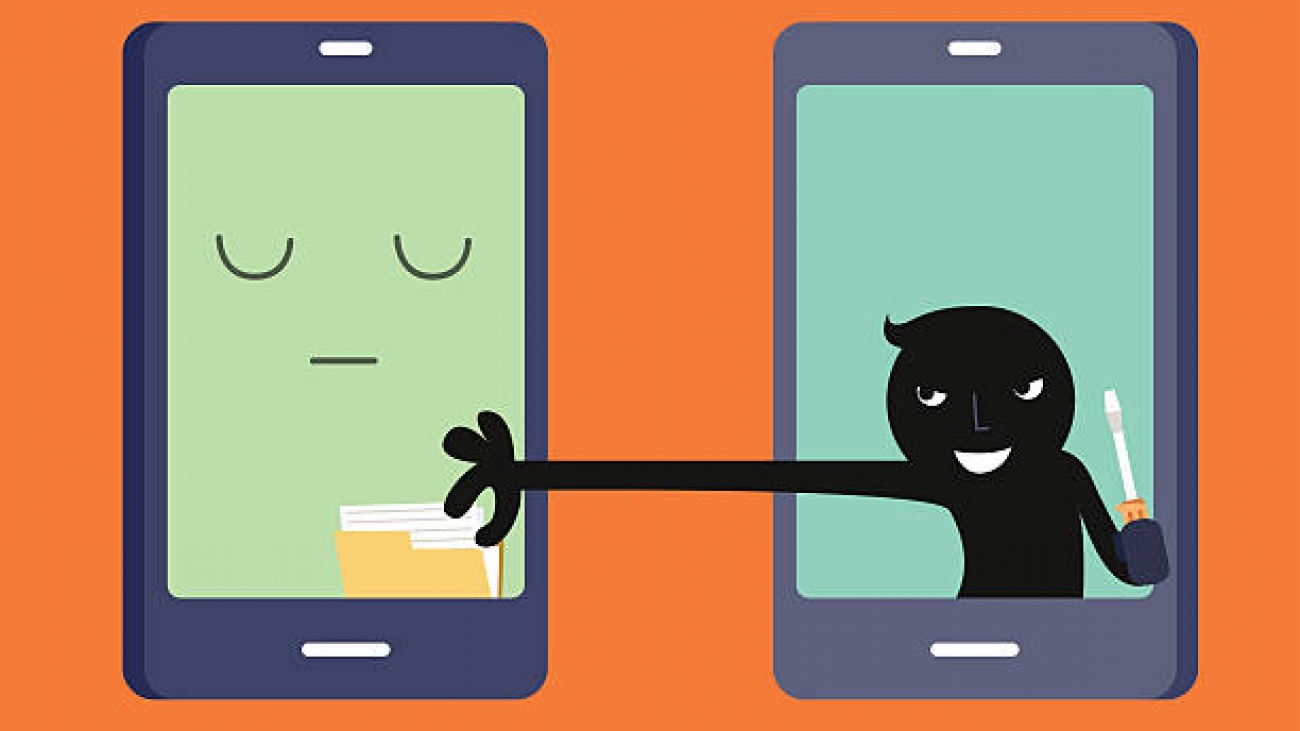
Beware of deals that sound too good to be true. Some scammers promise you the moon for a small fee, but they're after your money.
Here are four types of scams to be aware of when you are online:
- False Advertisements: Be cautious of products that seem too good to be true, as they may be counterfeit or lower in quality than advertised. Clothing, shoes, and digital devices are often targeted by counterfeiters.
- Misleading Fine Print: Always review the details of a deal, especially if something seems off. Hidden fine print can lead to unexpected charges, unfavorable return policies, or poor customer service.
- Hot Bargains: While a great deal is tempting, be skeptical of offers that seem excessively discounted. Some online stores might be fake, aiming to capture your money or personal information.
- Freebies: Be cautious of offers for free trials, prizes, or awards that require you to provide personal information. Fraudsters use freebies to extract your data for malicious purposes.
Solution: Stick to trusted websites and stores. Always be skeptical of deals that seem unreal or ask for upfront payments.
To protect yourself:
- Check model numbers to verify product authenticity.
- Enter website URLs directly to avoid fraudulent search engine results.
- Shop only on secure websites with "https" in the address bar and a lock icon.
- Avoid coupon sites and freebie offers that request personal data.
- Use a credit card for online purchases to minimize financial risk.
- Verify a company's existence with a phone number and address.
- Read purchase agreements carefully to avoid recurring charges.
- Search for potential issues by adding "scam" or "complaint" to the company name.
If in doubt, seek assistance from restoration specialists to identify scams and make informed purchase decisions.
8. Educate Yourself: Learn the Basics
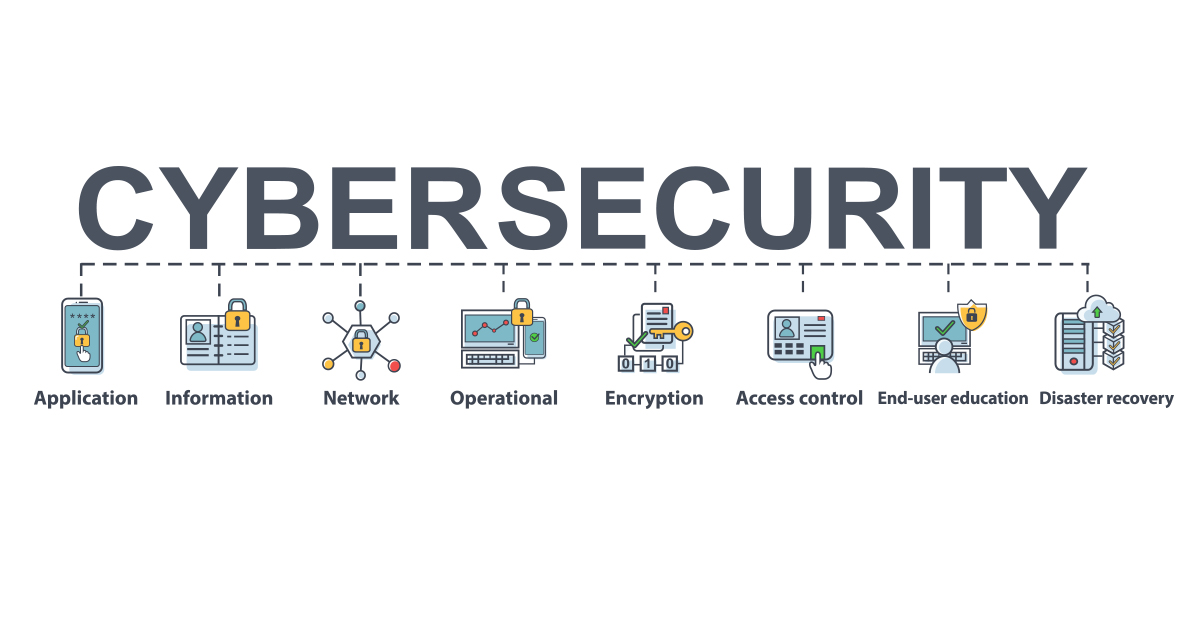
Think of cybersecurity as learning to cross the street safely or ride a bike. It's a skill you can acquire to protect yourself. Ypu do not need to have that much coding knowledge to learn how to protect yourself online. As you have seen above, I have explained how you can protect yourself online in a very simple language so make sure you learn everyday and be cautious.
Solution: Educate yourself about online threats and how to protect your information. Many online resources offer free cybersecurity lessons and tips. Learning the basics is like having a superpower that keeps you safe online.
I am adding a list of links where you can learn (and be certified in some of them) about cyber crimes, cyber security and the related online security matters.
- Cyber Crime Detection and Prevention Training by the Institute of Finance Management(IFM) in collaboration with Tanzania Education Authority (TEA) under Skills Development Fund(SDF)
- Cybrary: Offers a wide range of free cybersecurity courses and labs. Topics include ethical hacking, network defense, and more. (https://www.cybrary.it/)
- Coursera - Introduction to Cyber Security Specialization: A series of courses offered by NYU (New York University) covering the fundamentals of cybersecurity. (https://www.coursera.org/specializations/intro-cyber-security)
- edX - Introduction to Cyber Security: This course is offered by NYU on edX, and it's a great way to get started with cybersecurity. (https://www.edx.org/professional-certificate/introduction-to-cyber-security)
- Open Security Training: Provides a collection of free, open-source computer security training materials. It's a bit more technical but comprehensive. (http://opensecuritytraining.info/Training.html)
- Cybersecurity and Infrastructure Security Agency (CISA): Offers various free resources and courses on cybersecurity, including webinars and downloadable materials. (https://www.cisa.gov/cybersecurity-training-and-exercises)
- Khan Academy - Intro to SQL and Cybersecurity: A beginner-friendly course that covers SQL and cybersecurity basics. (https://www.khanacademy.org/computing/computer-programming/sql)
- Stanford University Online - Computer and Network Security: Access lecture notes, slides, and other materials for Stanford's computer and network security course. (http://crypto.stanford.edu/cs155/)
- Cisco's Networking Basics: While not strictly focused on cybersecurity, understanding networking is fundamental to cybersecurity. Cisco offers free introductory courses. (https://www.netacad.com/)
- Google's Cybersecurity and Privacy Training: Offers free courses and content on various aspects of online safety and privacy. (https://safety.google/)
- Microsoft's Cybersecurity Awareness Kit: Microsoft provides free resources and tools to help individuals and organizations improve their cybersecurity awareness. (https://www.microsoft.com/en-us/security/business/identity/cybersecurity-awareness-kit)
- Stay Safe Online by National Cyber Security Alliance: Provides tips, resources, and free awareness training to help individuals stay safe online. (https://staysafeonline.org/)
- MIT OpenCourseWare - Computer Systems Security: Access lecture notes and materials from MIT's computer systems security course. (https://ocw.mit.edu/courses/electrical-engineering-and-computer-science/6-858-computer-systems-security-fall-2014/)
Remember that cybersecurity is a vast field, and these courses cover various aspects of it. Depending on your interests and experience level, you can choose the one that suits you best. Always stay updated with the latest cybersecurity trends and best practices to protect yourself online effectively. Staying safe online is about being a savvy explorer. Stay curious, stay cautious, and you'll safeguard your digital world like a pro.
I hope this blog has been of help to you, if you have seen it helpful kindly share it with someone else who might need it too.